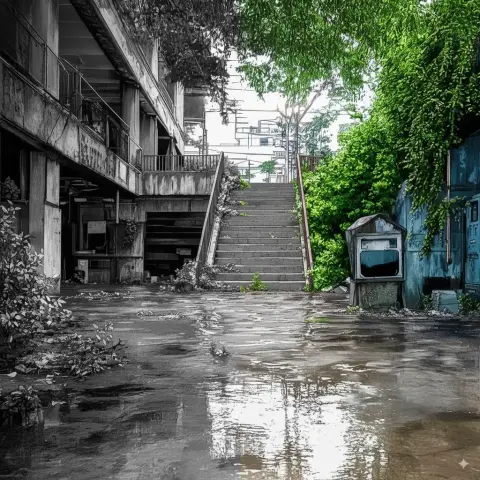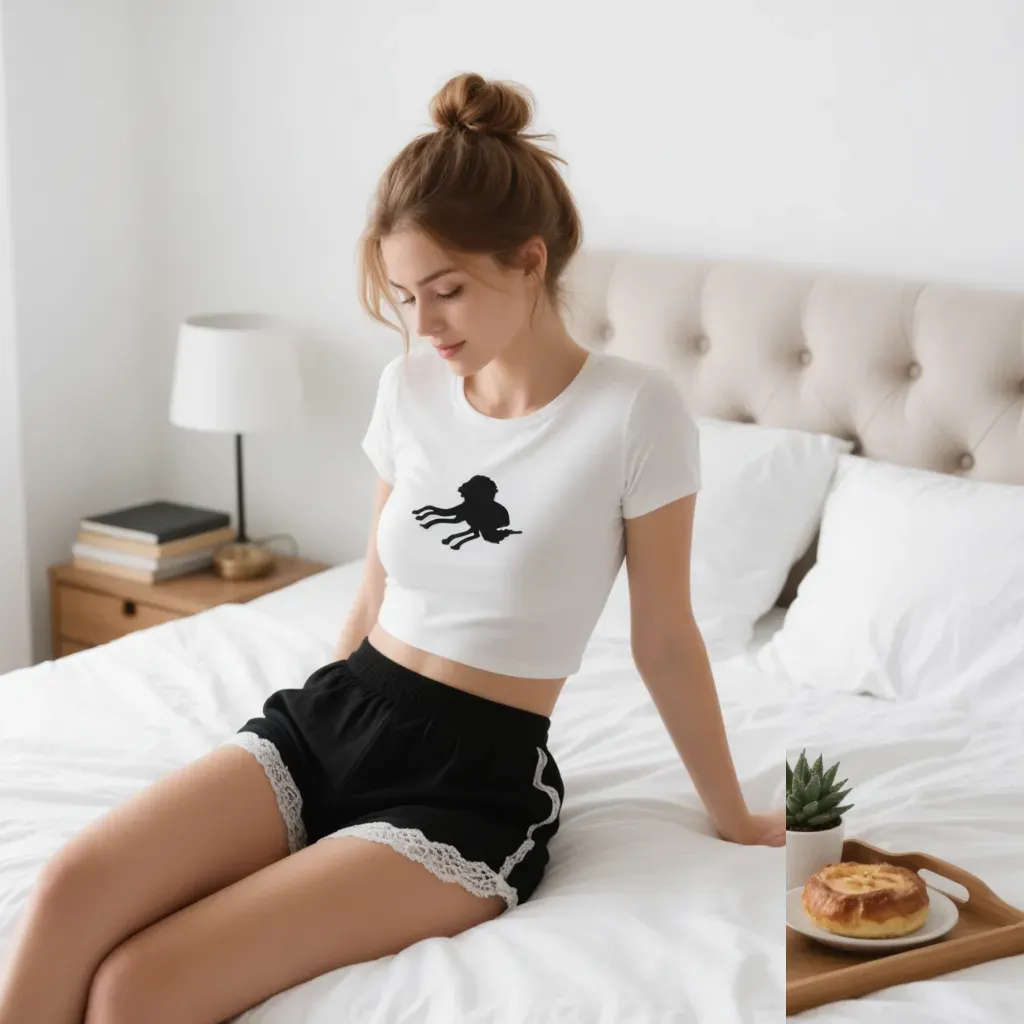
Smart Object Removal
One-click removal of excess objects and clutter from photos, making the image cleaner and highlighting the main subject
Pro Tip
"Excess objects" is vague, so name what should go, like "remove the man in the red jacket and the trash can".
Full Prompt
How to Use Smart Object Removal
- 1
Click Use This Template
The editor opens with [Smart Object Removal] in the prompt box. The full prompt above is applied when you generate.
- 2
Upload your photo
The photo to clean up, with the people, objects or clutter you want gone clearly visible.
- 3
Add your own details
Type them after the template name, for example "[Smart Object Removal], remove all people in the background, keep the couple in front".
- 4
Choose a model and generate
NanoBanana is a good place to start: A short removal edit is a good first try on Nanobanana; switch to GPT Image 2 if other parts of the photo change too much.
Good For
- Removing tourists or passersby from a travel photo.
- Clearing cables, trash cans or signs from a product or real estate shot.
- Tidying clutter from a room photo before sharing it.
More Tips
- Remove a few things at a time. For a crowded scene, upload the result again and remove the next batch.
- Large removals leave the model to invent what was behind them, so check edges and repeating patterns.
Ideas to Try
Type one of these after [Smart Object Removal] in the prompt box.
Tourists
remove all people in the background, keep the couple in front
Power lines
remove the power lines and the street sign
Clean desk
remove the cups, cables and papers from the desk