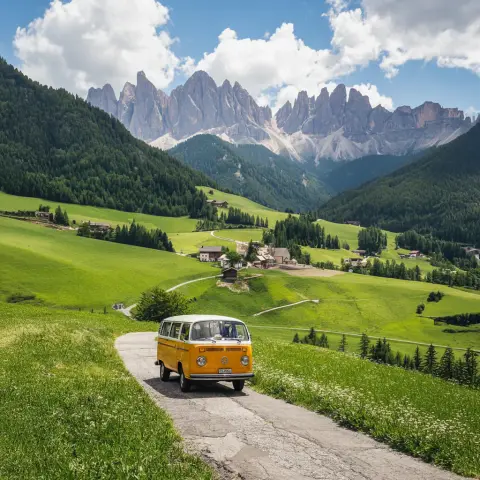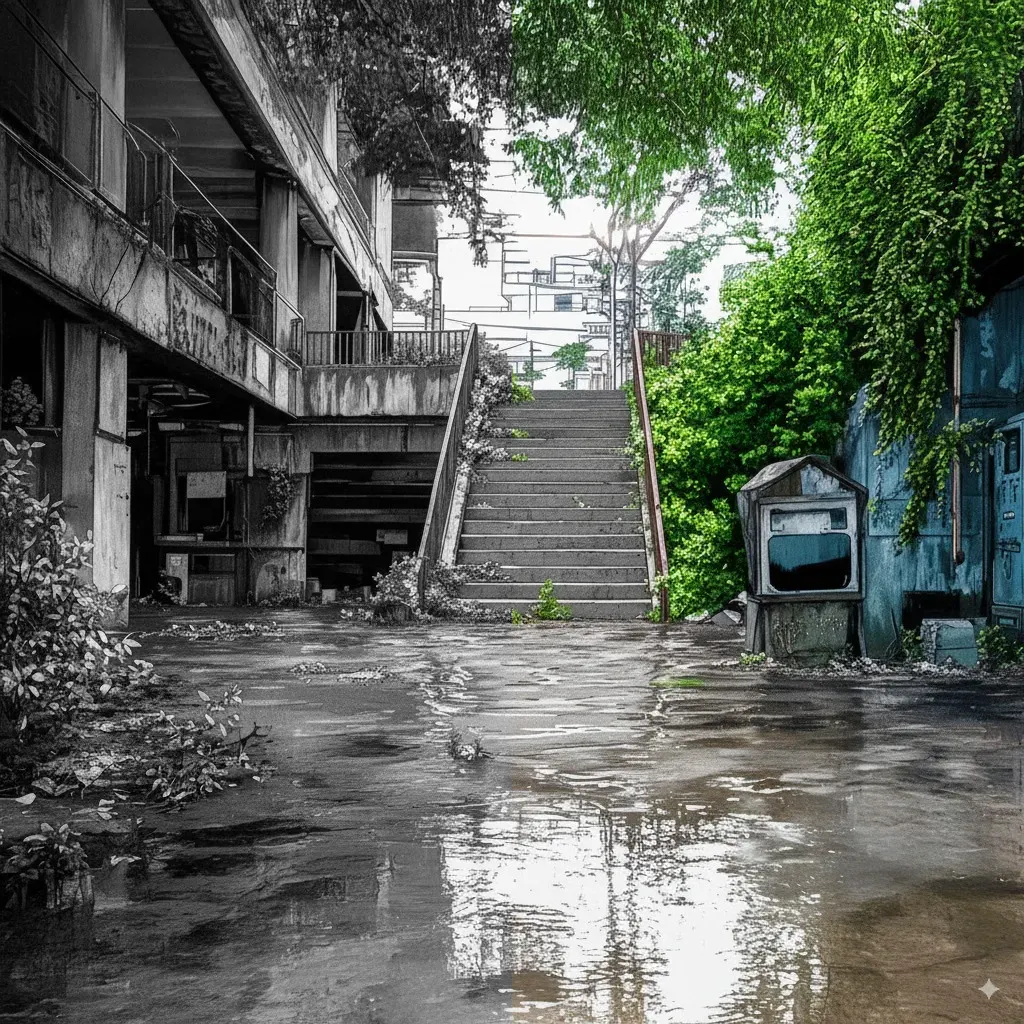
Smart Colorization
Colorize black-and-white photos, including old family and historical pictures
Pro Tip
The model has to guess colors it cannot see. Tell it what you know, like "blue dress, red brick house".
Full Prompt
How to Use Smart Colorization
- 1
Click Use This Template
The editor opens with [Smart Colorization] in the prompt box. The full prompt above is applied when you generate.
- 2
Upload your photo
A black-and-white or sepia photo, scanned or photographed flat, with no glare or frame edges.
- 3
Add your own details
Type them after the template name, for example "[Smart Colorization], she wore a navy dress, the car was cream-colored".
- 4
Choose a model and generate
GPT Image 2 is a good place to start: GPT Image 2 keeps the details of the original, so faces and clothing stay the same while color is added.
Good For
- Bringing color to old family photos for an anniversary or memorial.
- Historical photos for a school project, blog or local history page.
- Sepia prints you want to see in natural tones.
More Tips
- Crop out the album page, border or scanner edge before uploading so only the picture remains.
- Keep the original file. A colorized version is an interpretation, not a record of the real colors.
Ideas to Try
Type one of these after [Smart Colorization] in the prompt box.
Known colors
she wore a navy dress, the car was cream-colored
Natural tones
muted natural colors, soft film look
Repair damage
also repair scratches and small tears