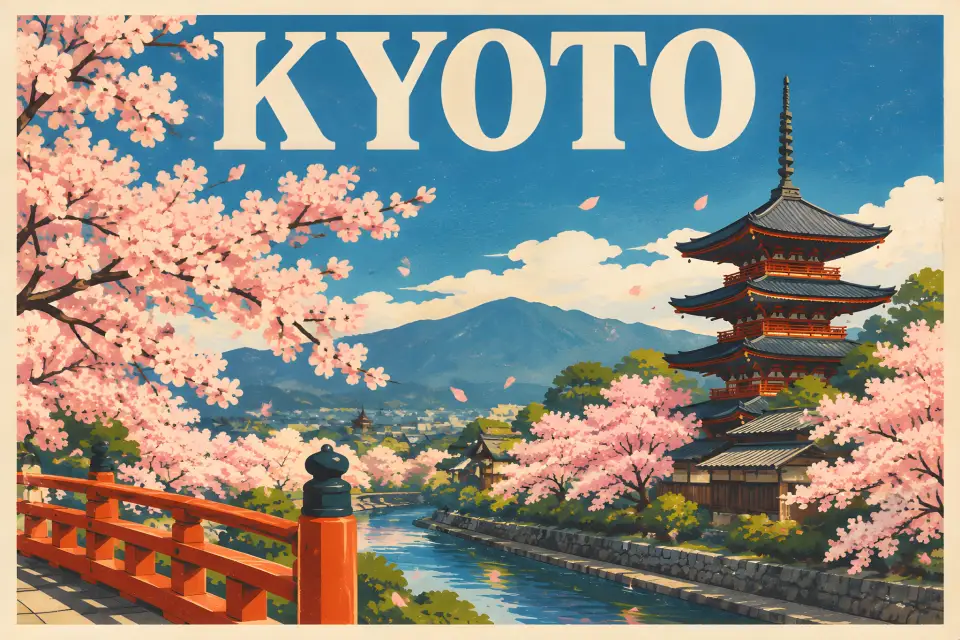
GPT Image 2 at one low price per image
GPT Image 2 Saver AI Image Generator
GPT Image 2 Saver is GPT Image 2 at a flat 2 credits per image, the lowest-cost way to use OpenAI's image model on Banana Art Lab.
10 free credits on sign-up
Try GPT Image 2 Saver with your 10 free sign-up credits before choosing a production model
Banana Art Lab lets you compare AI image models side by side before committing credits to high-volume work. New accounts get 10 free credits, which cover five GPT Image 2 Saver images or one Z-Image Turbo image.
Start with a small prompt, compare output quality across models, then move the best direction into a higher-resolution generation or reference-image edit.
Provider
OpenAI
GPT Image 2 through a lower-cost provider
Input
Text + images
Up to 14 reference images
Output
1K / 2K / 4K
Can be slightly larger than requested
Credits
2
At any resolution
Model overview
Where GPT Image 2 Saver fits in the Banana Art Lab model stack
Saver sends your prompt to OpenAI's GPT Image 2 model through a lower-cost provider that bills per image, so 1K, 2K and 4K all cost the same and every request uses high quality. Use it for drafts, volume work and edits, and switch to GPT Image 2 when you want to choose a quality level.
One price at every resolution: 2 credits, about $0.005, at 1K, 2K or 4K.
Edits with reference images, up to 14 per request.
Every image uses high quality at no extra cost.
Renders short text cleanly, such as poster titles and signs.
Credit cost
1K
2
Flat price, about $0.005
2K
2
Same price at 2K
4K
2
Same price at 4K
Credit values reflect the current Banana Art Lab generation API and UI presets.
Visual examples
Example directions for GPT Image 2 Saver
These visuals are used as SEO page illustrations and prompt direction references. Exact output varies by prompt, references, and resolution.

Reference-image edit at 1K: a paper boat photo moved onto a rainy street
Generated with GPT Image 2 Saver on Banana Art Lab while testing the model.

4K portrait from a one-line prompt, returned at 2304x4096
Generated with GPT Image 2 Saver on Banana Art Lab while testing the model.
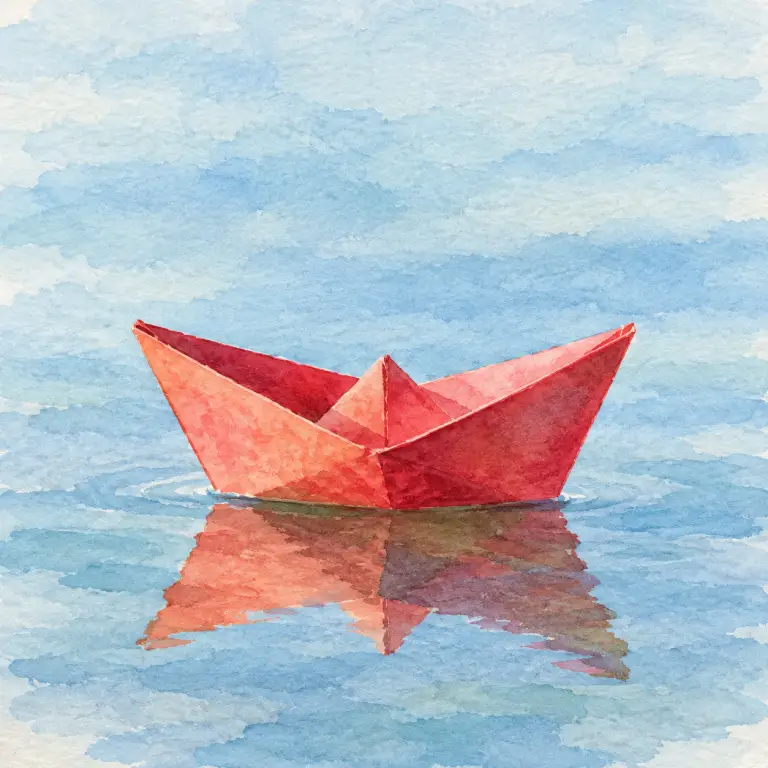
Reference-image edit: the same boat restyled as a watercolor
Generated with GPT Image 2 Saver on Banana Art Lab while testing the model.
Best use cases
When to choose GPT Image 2 Saver
Workflow
A practical generation loop
- 1
Open the generator. GPT Image 2 Saver is selected by default.
- 2
Write a prompt that names the subject, style, lighting and any text the image should show.
- 3
Add reference images when the result should keep a product, a person or a layout.
- 4
Pick the aspect ratio and resolution. The price stays at 2 credits.
Prompt starters
Copy-ready prompt ideas
Travel poster with a title
A vintage travel poster of Kyoto in spring, bold title text "KYOTO"
Place an object in a new scene
Place this paper boat on a rainy city street puddle at night
Cozy illustrated scene
A cozy bookstore cafe at dusk, warm light, illustration
Reality checks
Limits to plan around
Sources
Model references used for this page
FAQ
GPT Image 2 Saver questions
Can I try GPT Image 2 Saver free?
Yes. New accounts get 10 free credits, which cover five images with GPT Image 2 Saver at 1K.
What is GPT Image 2 Saver best for?
Drafts and prompt exploration at the lowest cost, High-volume social and marketplace images, Posters and images with short text, Reference-image edits and restyles
How many credits does GPT Image 2 Saver use?
GPT Image 2 Saver currently uses 1K: 2 credits; 2K: 2 credits; 4K: 2 credits. Credit values can change if the generation API pricing is updated.
Is GPT Image 2 Saver better than the other Banana Art Lab models?
GPT Image 2 Saver is best when your use case matches its strengths. Compare it with GPT Image 2, NanoBanana, NanoBanana Pro, Seedream 5 Lite, and Z-Image Turbo before choosing a production workflow.
Compare models
Related Banana Art Lab models
GPT Image 2
GPT Image 2 is the premium OpenAI option in Banana Art Lab for detailed generation and high-fidelity edits from text or reference images.
Open model pageNanoBanana
NanoBanana is the fast editing-focused model path for conversational image changes, character consistency, and multi-image fusion.
Open model pageNanoBanana 2
NanoBanana 2 is the balanced high-performance model in the NanoBanana family, tuned for better quality while keeping a fast creative loop.
Open model page