OpenAI image generation and editing
Free GPT Image 2 AI Image Generator
GPT Image 2 is the premium OpenAI option in Banana Art Lab for detailed generation and high-fidelity edits from text or reference images.
Free AI image generation
Try GPT Image 2 free before choosing a production model
Banana Art Lab gives creators a practical way to compare free AI image generator workflows before committing credits to high-volume work. This page is built for users searching for GPT Image 2 free, gpt image 2 free, nanobanana free, and model-specific AI image editing options.
Start with a small prompt, compare output quality across models, then move the best direction into a higher-resolution generation or reference-image edit.
Provider
OpenAI
Direct Image API route
Input
Text + images
Reference-image edits supported
Fallback
None
Uses the OpenAI provider directly
Output
1K / 2K / 4K
App presets for production use
Model overview
Where GPT Image 2 fits in the Banana Art Lab model stack
Choose GPT Image 2 when the prompt needs careful instruction following, clean image-to-image transformation, or flexible output sizes. It is configured as a direct provider route in this project, so it does not use Replicate fallback.
Flexible output sizes including common 1K, 2K, and 4K presets.
Strong image editing support through reference images and prompt-based edits.
High-fidelity handling of image inputs for reference-driven workflows.
Useful for final assets where prompt detail and visual polish matter more than the lowest credit cost.
Credit cost
1K
20
Default preset for fast drafts
2K
30
Balanced detail and cost
4K
40
Best for final high-resolution output
Credit values reflect the current Banana Art Lab generation API and UI presets.
Visual examples
Example directions for GPT Image 2
These visuals are used as SEO page illustrations and prompt direction references. Exact output varies by prompt, references, and resolution.
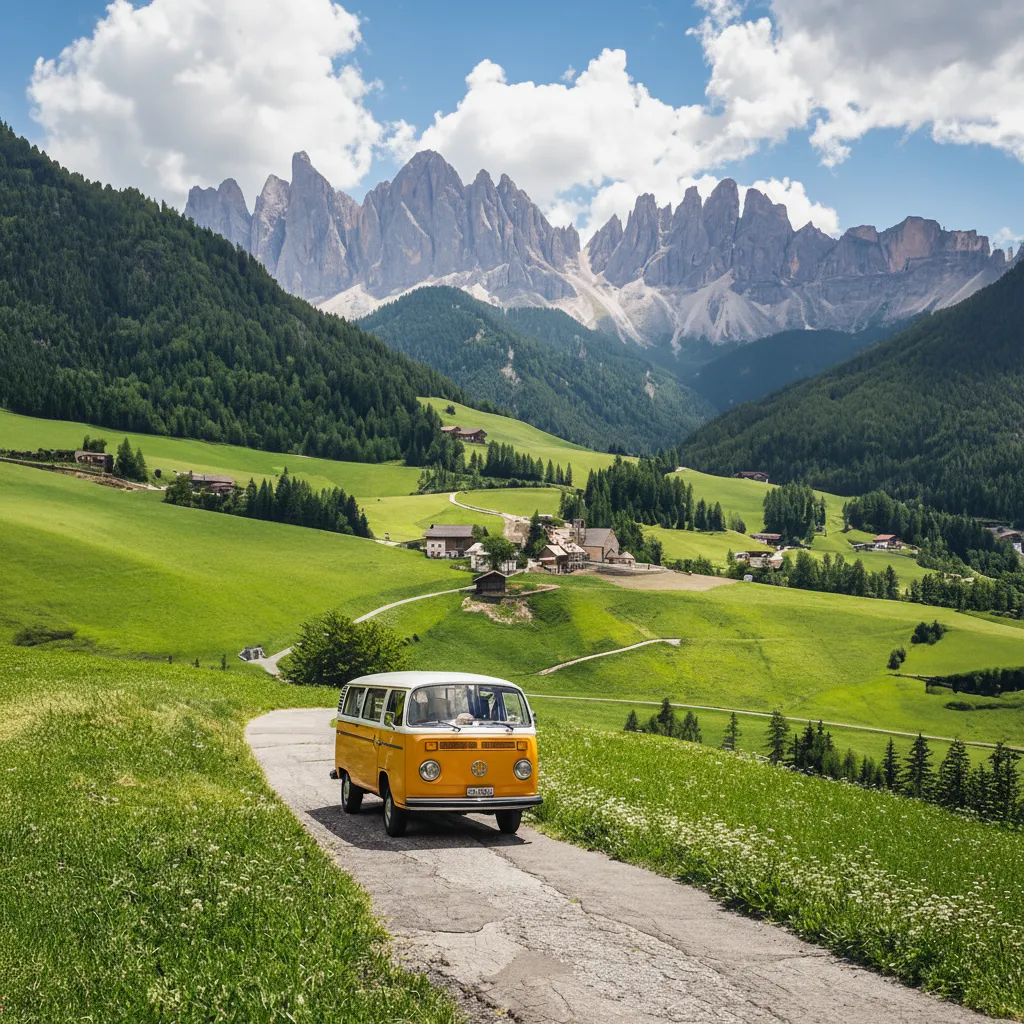
Photo-style enhancement and realistic lighting
Illustrative sample from Banana Art Lab template assets.
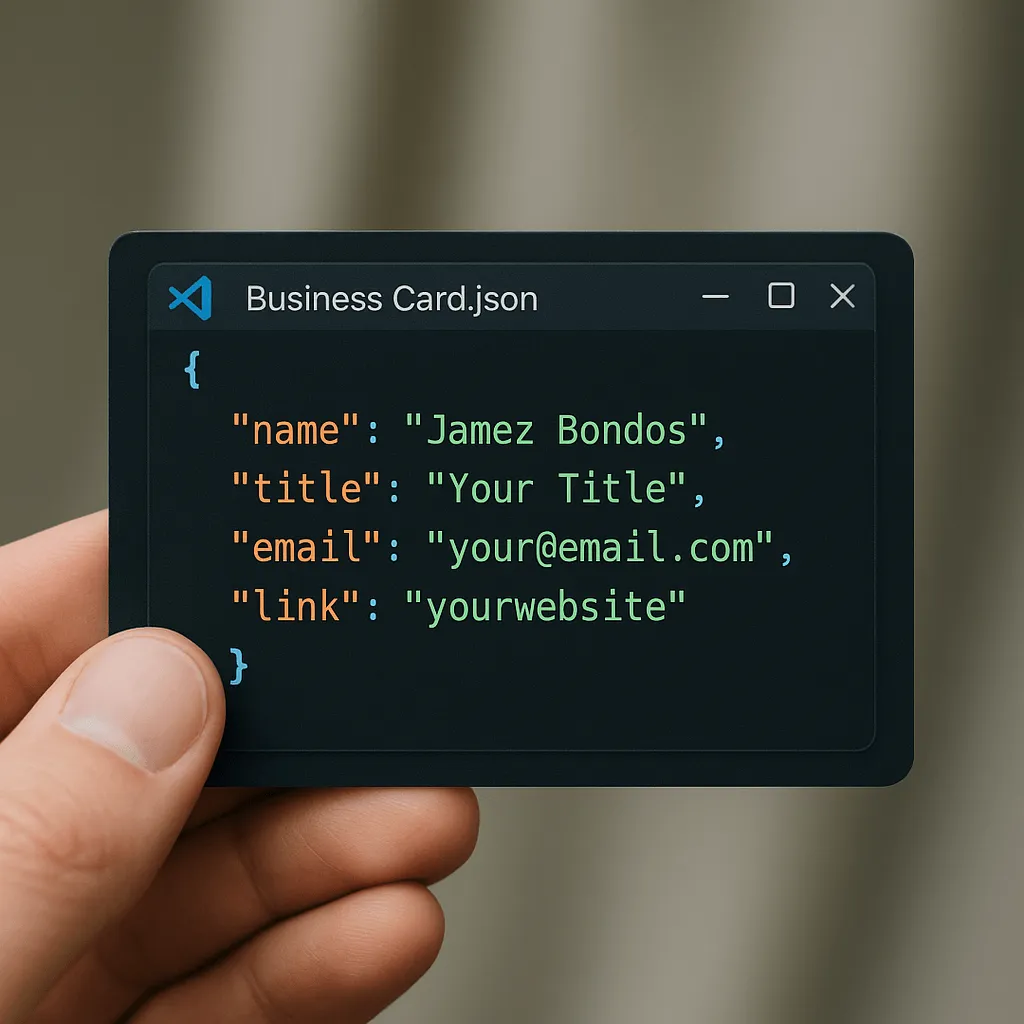
Brand asset concepts with layout constraints
Illustrative sample from Banana Art Lab template assets.
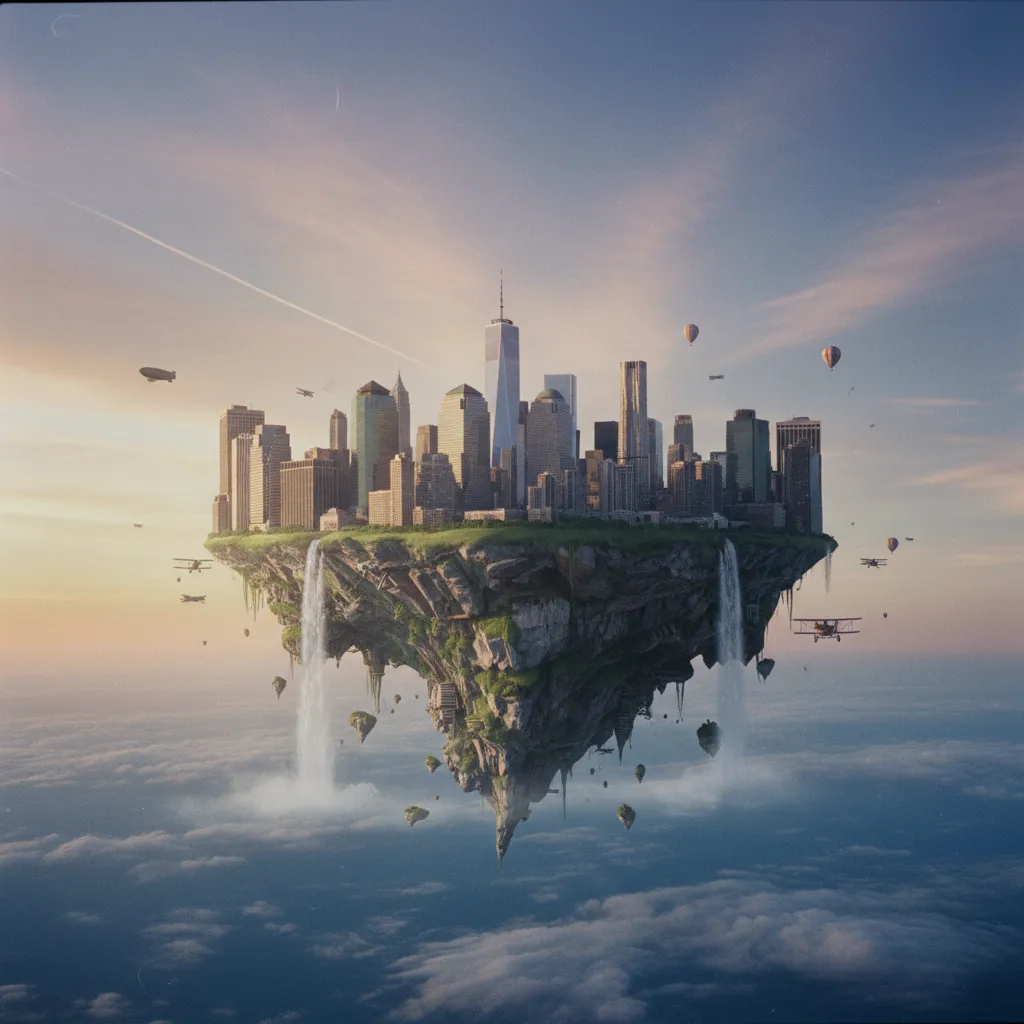
Cinematic concepts and editorial visuals
Illustrative sample from Banana Art Lab template assets.
Best use cases
When to choose GPT Image 2
Workflow
A practical generation loop
- 1
Start with a plain-language prompt that names subject, style, lighting, and composition.
- 2
Upload one or more reference images when preserving identity, product details, or scene structure matters.
- 3
Generate at 1K for exploration, then move to 2K or 4K for the selected direction.
- 4
Use image edits for small changes instead of re-generating the entire concept from scratch.
Prompt starters
Copy-ready prompt ideas
Premium product hero
Create a photorealistic product hero image of a matte black wireless speaker on volcanic stone, soft side lighting, subtle mist, premium electronics campaign, 4K.
Reference-preserving edit
Use the uploaded product photo as the exact reference. Place it on a clean studio surface with warm morning light, realistic shadows, no logo changes.
Reality checks
Limits to plan around
Sources
Model references used for this page
FAQ
GPT Image 2 free AI image generator questions
Can I try GPT Image 2 free?
Yes. Banana Art Lab is built around a credit workflow, so new users can start from the free AI image generator flow and test GPT Image 2 before moving into higher-volume usage.
What is GPT Image 2 best for?
Product mockups and polished campaign images, Photo-style edits that should preserve reference details, High-resolution social, marketplace, and editorial assets, Prompt-heavy compositions with layout, lighting, and style constraints
How many credits does GPT Image 2 use?
GPT Image 2 currently uses 1K: 20 credits; 2K: 30 credits; 4K: 40 credits. Credit values can change if the generation API pricing is updated.
Is GPT Image 2 better than the other Banana Art Lab models?
GPT Image 2 is best when your use case matches its strengths. Compare it with GPT Image 2 free, NanoBanana free, NanoBanana Pro, Seedream 5 Lite, and Z-Image Turbo before choosing a production workflow.
Compare models
Related Banana Art Lab models
NanoBanana
NanoBanana is the fast editing-focused model path for conversational image changes, character consistency, and multi-image fusion.
Open model pageNanoBanana 2
NanoBanana 2 is the balanced high-performance model in the NanoBanana family, tuned for better quality while keeping a fast creative loop.
Open model pageNanoBanana Pro
NanoBanana Pro is the professional model option for complex instructions, stronger reasoning, accurate text, and high-resolution production assets.
Open model page