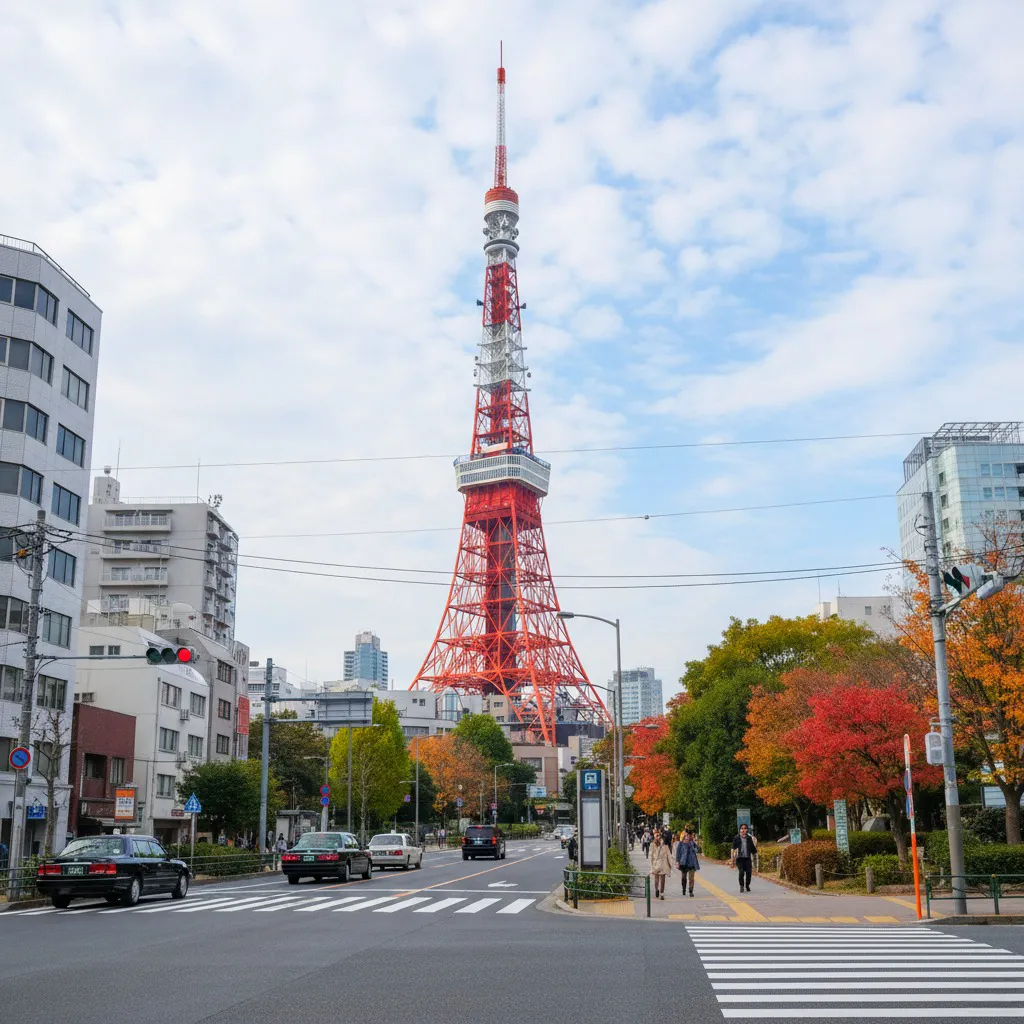
ByteDance image generation model
Seedream 5 Lite AI Image Generator
Seedream 5 Lite, the Lite version of ByteDance's Seedream 5, is a versatile generation and editing model for reasoning-heavy prompts, example-based edits, and multi-reference compositions.
15 free credits on sign-up
Try Seedream 5 Lite with your 15 free sign-up credits before choosing a production model
Banana Art Lab lets you compare AI image models side by side before committing credits to high-volume work. New accounts get 15 free credits, which cover seven GPT Image 2 Saver images or one Nano Banana image.
Start with a small prompt, compare output quality across models, then move the best direction into a higher-resolution generation or reference-image edit.
Provider
ByteDance
Seedream 5.0 Lite
Input
Text + images
Image-to-image supported
Best use
Reasoning
Diagrams and transformations
Credits
14
Per 2K image
Model overview
Where Seedream 5 Lite fits in the Banana Art Lab model stack
Choose Seedream 5 Lite when you want a model that can reason through spatial relationships, domain conventions, and before-after examples.
Reasoning-oriented generation for spatial, physical, and process-based prompts.
Example-based editing where a before-and-after pair teaches the transformation.
Multi-image blending for reference-based compositions.
Good fit for diagrams, interiors, architecture, and technical visualizations.
Credit cost
2K
14
ByteDance's official price, about $0.035
Credit values reflect the current Banana Art Lab generation API and UI presets.
Visual examples
Example directions for Seedream 5 Lite
These visuals are used as SEO page illustrations and prompt direction references. Exact output varies by prompt, references, and resolution.
Turning structured references into realistic scenes
Illustrative sample from Banana Art Lab template assets.
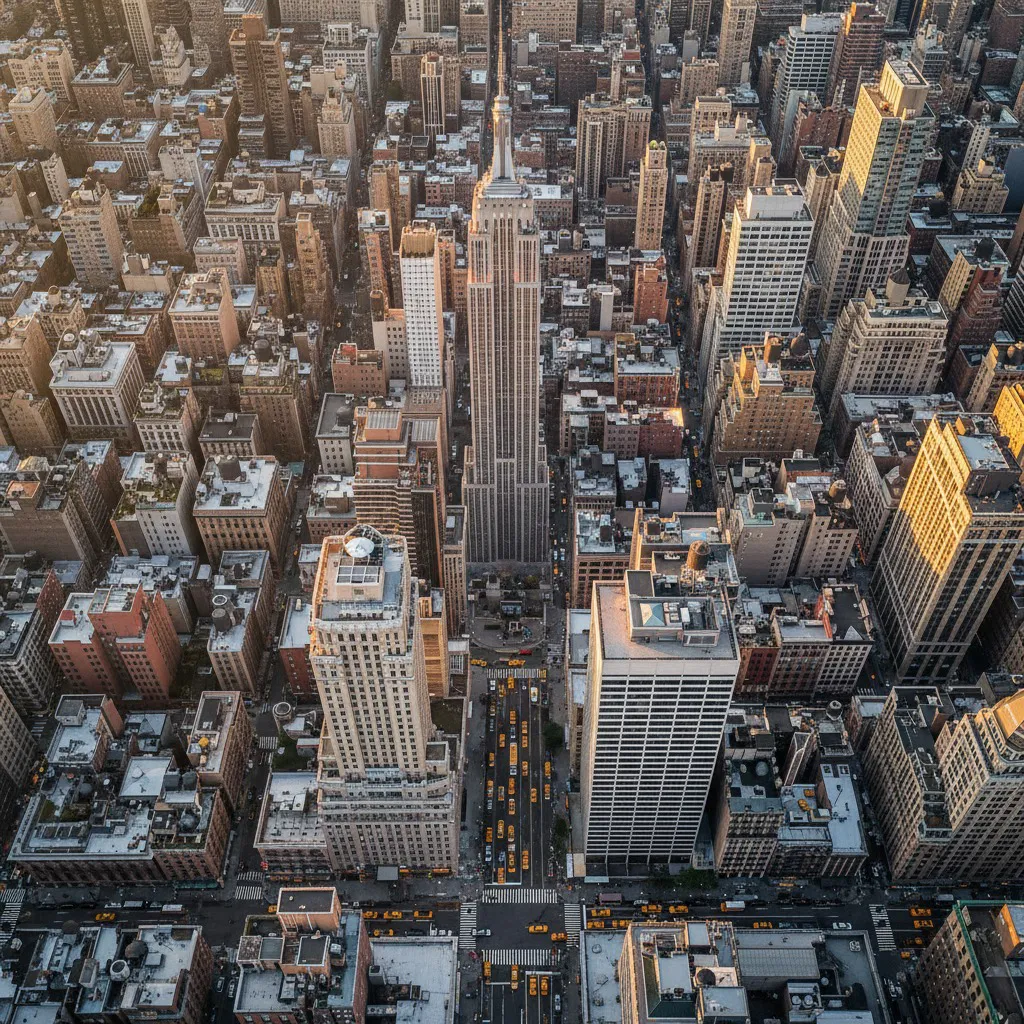
Spatial reasoning and top-down concepts
Illustrative sample from Banana Art Lab template assets.
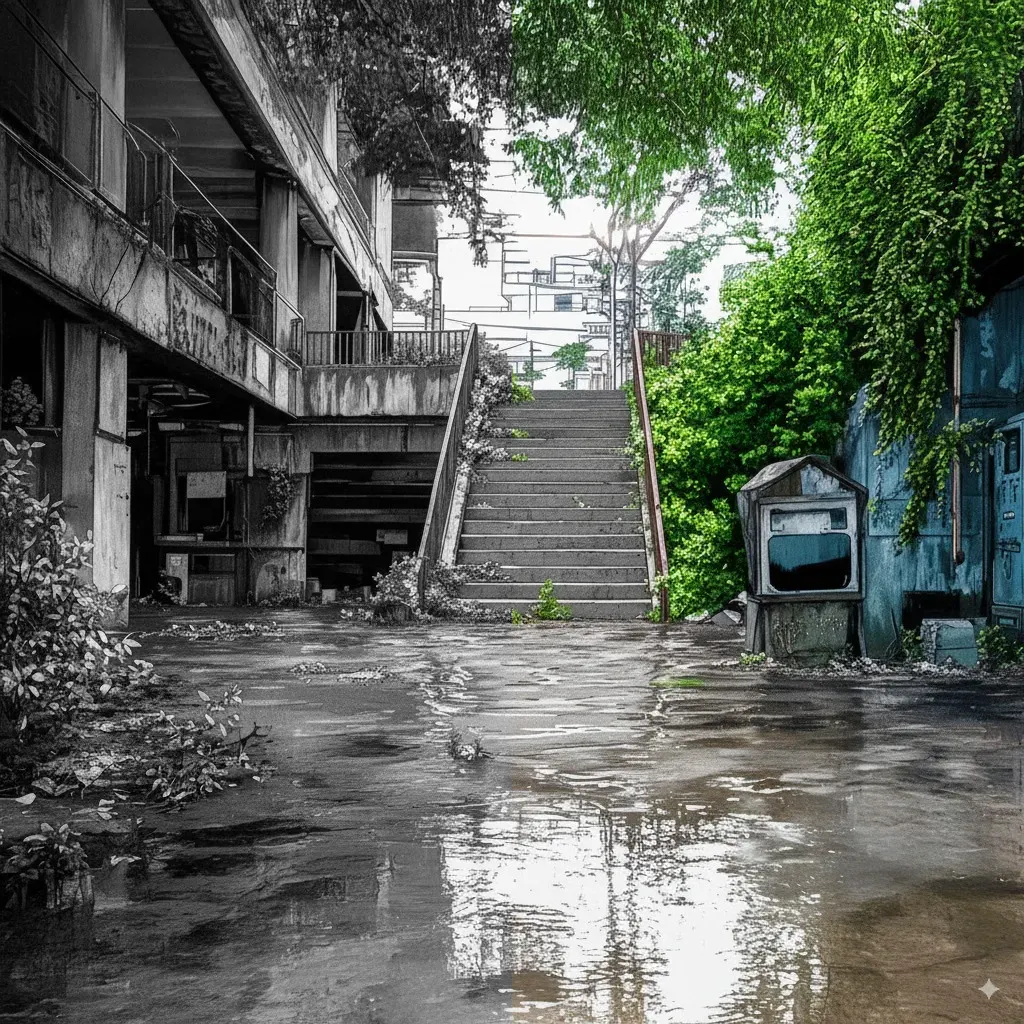
Example-driven restoration and enhancement
Illustrative sample from Banana Art Lab template assets.
Best use cases
When to choose Seedream 5 Lite
Workflow
A practical generation loop
- 1
Use a concrete prompt with relationships, measurements, or transformation steps.
- 2
For example-based edits, provide the before-and-after example before applying the same change to a new image.
- 3
Use reference images when an interior, product, or diagram needs to retain structure.
- 4
Check factual labels and diagrams before using them in educational or commercial material.
Prompt starters
Copy-ready prompt ideas
Interior from sketch
Transform this rough room layout into a photorealistic Scandinavian living room, preserve wall positions, add natural light and oak furniture.
Process diagram
Create a labeled diagram showing how rainwater moves from roof gutter to storage tank to garden irrigation, clean educational style.
Reality checks
Limits to plan around
Codex + Claude Code
Use Seedream 5 Lite from Codex or Claude Code
Connect your assistant to the Banana Art Lab MCP server and ask for Seedream 5 Lite images while you build. The results land on your canvas, at the same credit price as here.
Sources
Model references used for this page
FAQ
Seedream 5 Lite questions
Can I try Seedream 5 Lite free?
Yes. New accounts get 15 free credits, which cover one image with Seedream 5 Lite at 2K.
What is Seedream 5 Lite best for?
Architecture and interior renderings from sketches, Scientific or educational diagrams, Before-and-after style transfer workflows, Sequential or related visual sets
How many credits does Seedream 5 Lite use?
Seedream 5 Lite currently uses 2K: 14 credits. Credit values can change if the generation API pricing is updated.
Is Seedream 5 Lite better than the other Banana Art Lab models?
Seedream 5 Lite is best when your use case matches its strengths. Compare it with GPT Image 2, NanoBanana, NanoBanana Pro, Seedream 5 Lite, and Z-Image Turbo before choosing a production workflow.
Compare models
Related Banana Art Lab models
GPT Image 2 Saver
GPT Image 2 Saver is GPT Image 2 at a flat 2 credits per image, the lowest-cost way to use OpenAI's image model on Banana Art Lab.
Open model pageGPT Image 2
GPT Image 2 is the premium OpenAI option in Banana Art Lab for detailed generation and high-fidelity edits from text or reference images.
Open model pageNanoBanana
Nano Banana is the fast editing-focused model path for conversational image changes, character consistency, and multi-image fusion.
Open model page