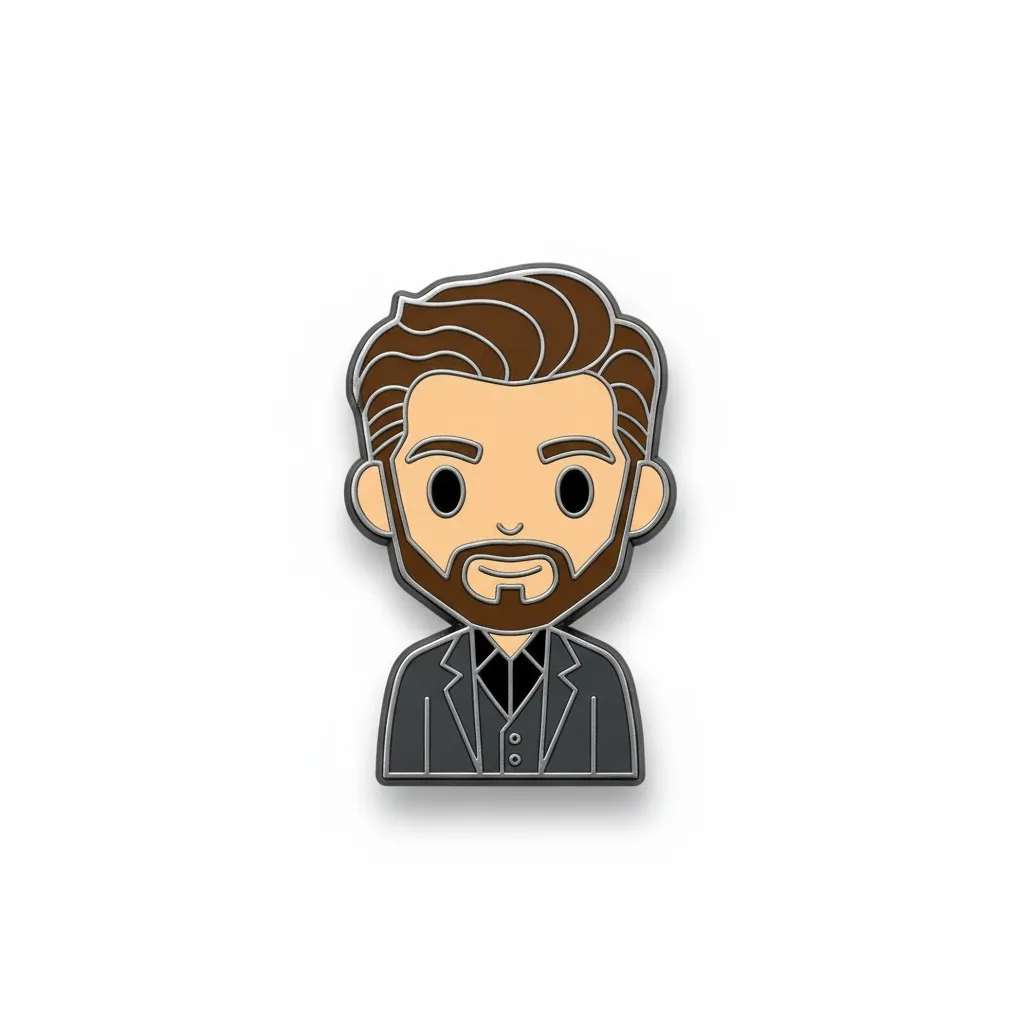
Enamel Pin Design
Design a collectible enamel pin with bold outlines and solid colors for merchandise mockups
Pro Tip
Name the metal outline color and a few fill colors, like "gold outline, navy, coral and cream".
Full Prompt
How to Use Enamel Pin Design
- 1
Click Use This Template
The editor opens with [Enamel Pin Design] in the prompt box. The full prompt above is applied when you generate.
- 2
Describe your subject
This template works from text alone: say what you want to see after the template name.
- 3
Add your own details
Type them after the template name, for example "[Enamel Pin Design], a cat astronaut floating among stars, gold outline, navy and pink enamel".
- 4
Choose a model and generate
Z-Image Turbo is a good place to start: A pin is a simple graphic you can describe in words, so Z-Image Turbo is an inexpensive way to explore ideas from text.
Good For
- Designing merch pins for a band, club, shop or event.
- Visualizing a pin idea before sending it to a manufacturer.
- A collectible pin series around one theme, like plants or space.
More Tips
- Keep the design simple; real enamel pins use bold shapes and few colors, and tiny details get lost.
- Z-Image Turbo works from text only; pick Nanobanana if you want to upload a photo of your pet or yourself.
Ideas to Try
Type one of these after [Enamel Pin Design] in the prompt box.
Space cat
a cat astronaut floating among stars, gold outline, navy and pink enamel
Glitter fill
glitter enamel in the background, silver metal outline
Plant series
a set of three pins: monstera leaf, cactus, snake plant