Nine-Grid Hairstyle Designer
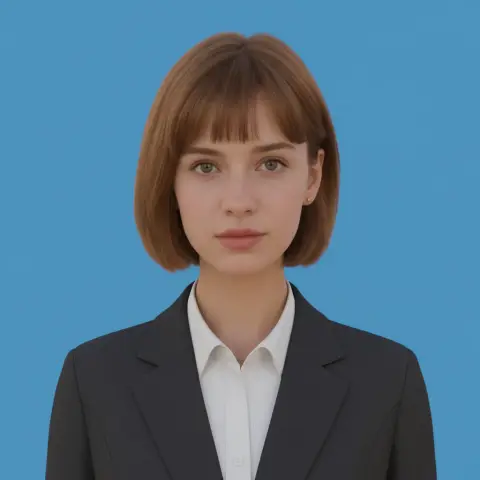
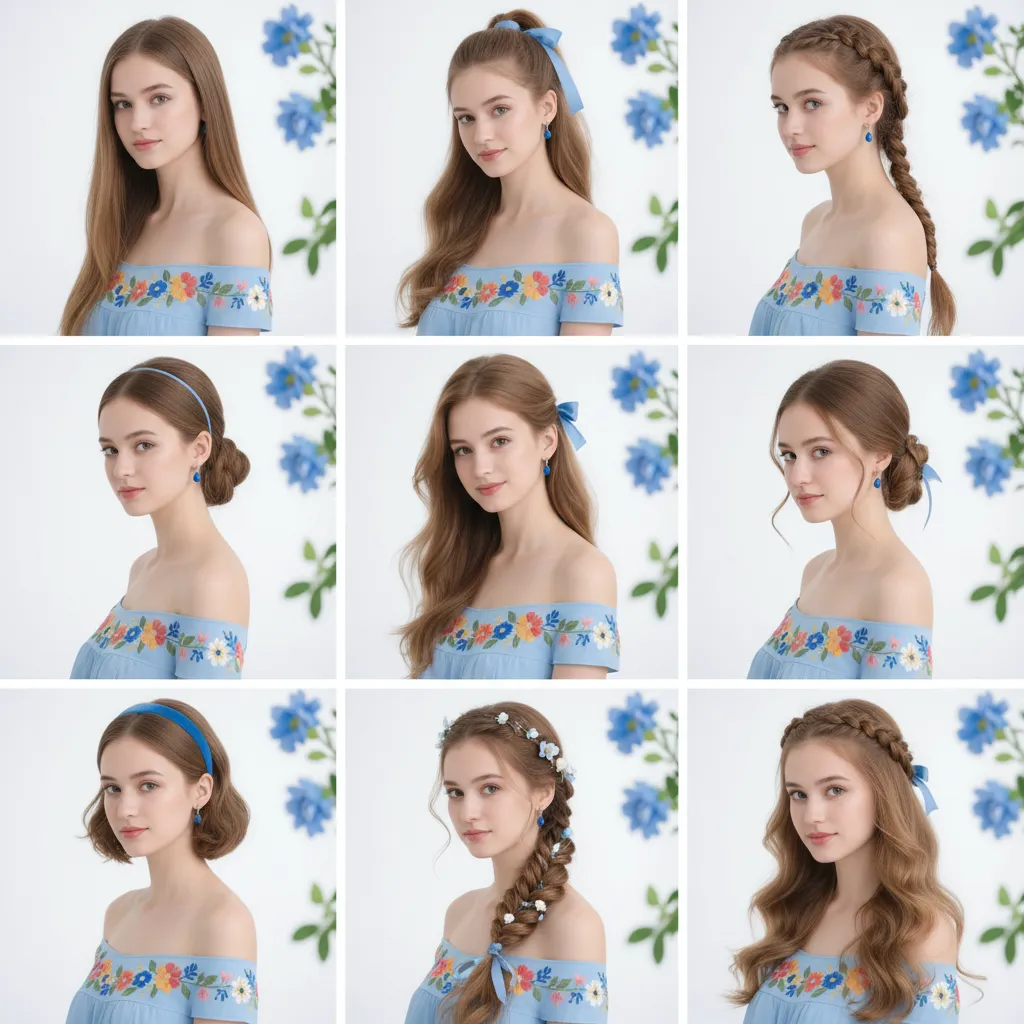
Based on the original photo, AI intelligently generates 9 different hairstyle design options, helping you preview various styling effects
Pro Tip
Narrow the options by listing them, like "bob, pixie, long waves, bangs", or name a theme like "short styles only".
Full Prompt
How to Use Nine-Grid Hairstyle Designer
- 1
Click Use This Template
The editor opens with [Nine-Grid Hairstyle Designer] in the prompt box. The full prompt above is applied when you generate.
- 2
Upload your photo
A clear, front-facing photo of one person with the face, ears and hairline fully visible.
- 3
Add your own details
Type them after the template name, for example "[Nine-Grid Hairstyle Designer], short hairstyles only: pixie, bob, buzz cut, undercut, curly crop".
- 4
Choose a model and generate
GPT Image 2 is a good place to start: GPT Image 2 is good at edits that keep a face's details, which helps all nine panels look like the same person.
Good For
- Comparing nine cuts or styles before a salon visit.
- Showing a stylist a few ideas you like on your own face.
- Trying new colors or lengths for fun without a real haircut.
More Tips
- Use the 1:1 aspect ratio so the 3x3 grid has square, even cells.
- If one style catches your eye, upload that result as the new reference and ask for a single large portrait of it.
Ideas to Try
Type one of these after [Nine-Grid Hairstyle Designer] in the prompt box.
Short cuts
short hairstyles only: pixie, bob, buzz cut, undercut, curly crop
Color trial
same length, different colors: copper, platinum, pastel pink, jet black
Wedding styles
formal updos and braids for a wedding