Glass Texture 3D Transformation
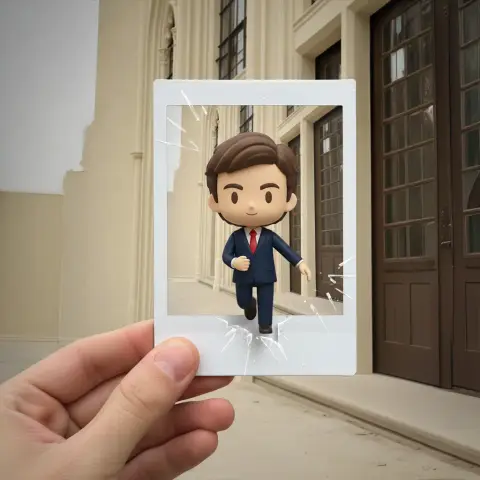
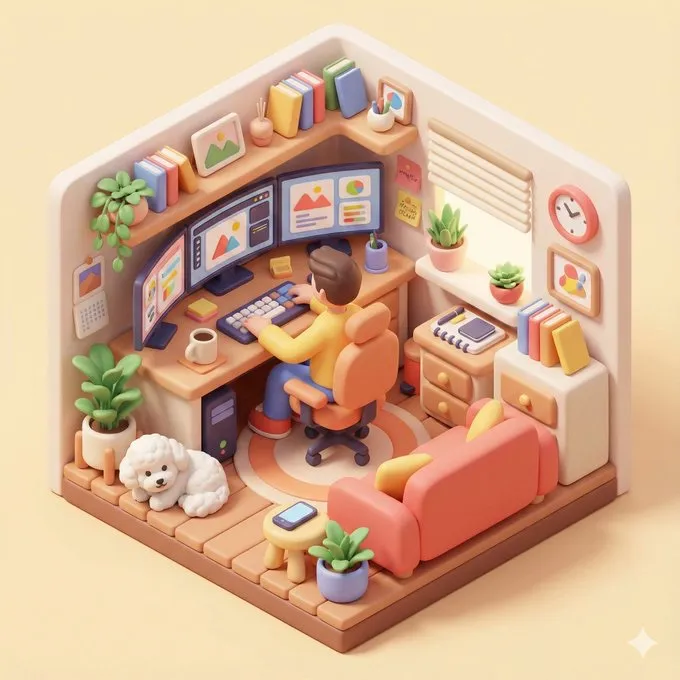
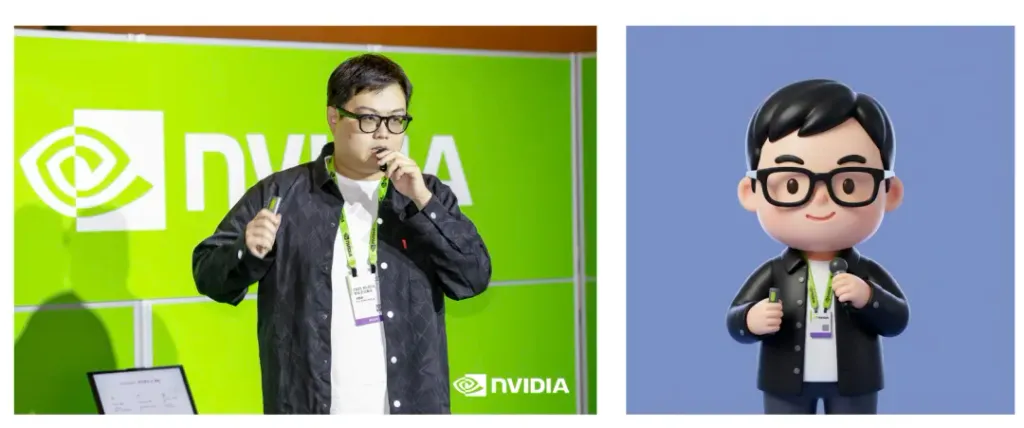
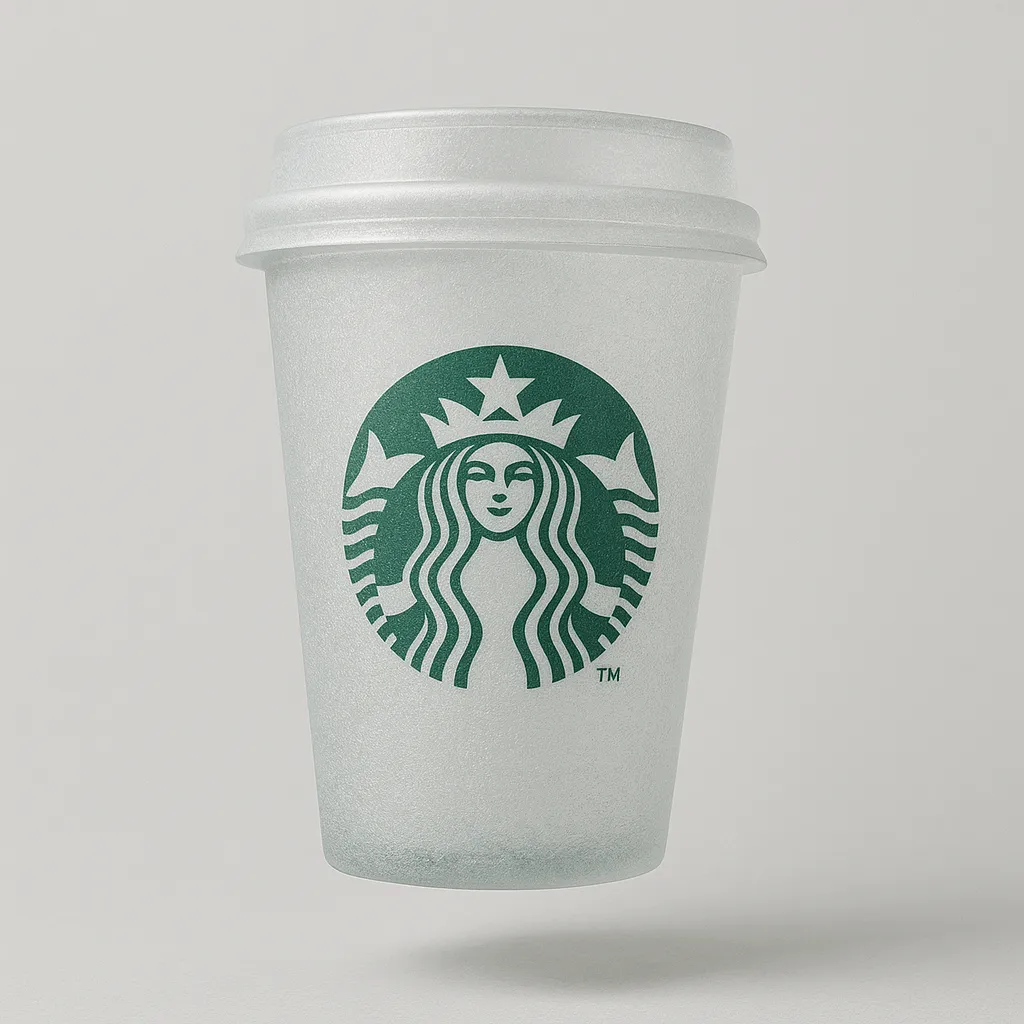
Convert regular images into 3D effects with translucent frosted glass texture, preserving original colors while adding a dreamy floating sensation
Pro Tip
Simple shapes with bold colors read best through frosted glass; fine textures and small text tend to blur away.
Full Prompt
How to Use Glass Texture 3D Transformation
- 1
Click Use This Template
The editor opens with [Glass Texture 3D Transformation] in the prompt box. The full prompt above is applied when you generate.
- 2
Upload your photo
An image with one clear subject, like a logo, icon, pet, flower or product, on a simple background.
- 3
Add your own details
Type them after the template name, for example "[Glass Texture 3D Transformation], pastel color tint, soft inner glow".
- 4
Choose a model and generate
Seedream 5 Lite is a good place to start: This is a style transfer that keeps the original colors, which suits Seedream 5 Lite, and it outputs at 2K for 14 credits.
Good For
- Turning a logo or app icon into a frosted glass 3D render for a website header.
- Soft, dreamy art prints of a pet, flower or favorite object.
- Slides or product pages that need a clean, glassy visual.
More Tips
- Crop the image so the subject fills most of the frame before uploading.
- The base prompt asks for a light gray background. Add another, like "pale blue background", if you need it.
Ideas to Try
Type one of these after [Glass Texture 3D Transformation] in the prompt box.
Pastel glow
pastel color tint, soft inner glow
Clear glass
clearer glass with less frosting, sharper reflections
Dark backdrop
deep navy background with a soft spotlight