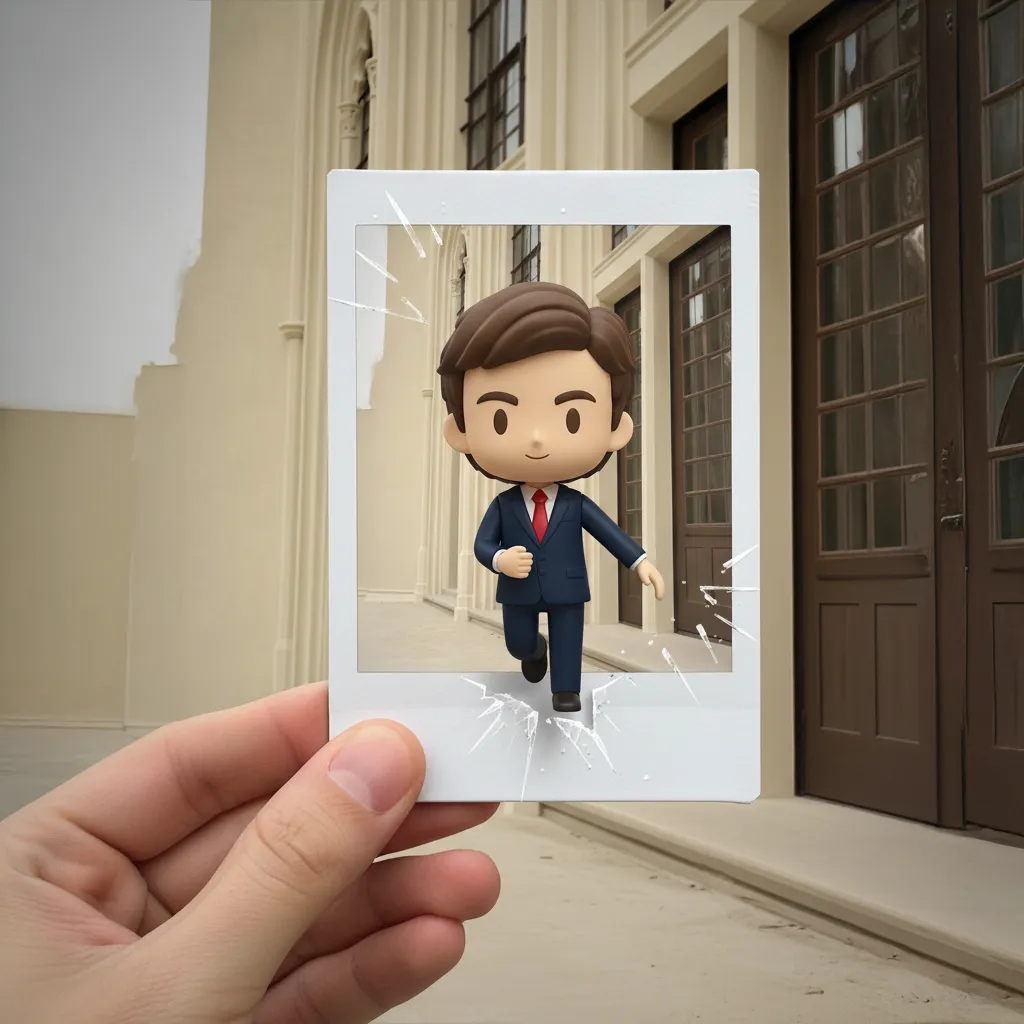
3D Polaroid Breakthrough
Make your subject break out of a Polaroid frame for a playful 3D depth illusion
Pro Tip
The base prompt never says who breaks out of the frame, so name the subject, such as "a corgi jumping out".
Full Prompt
How to Use 3D Polaroid Breakthrough
- 1
Click Use This Template
The editor opens with [3D Polaroid Breakthrough] in the prompt box. The full prompt above is applied when you generate.
- 2
Describe your subject
This template works from text alone: say what you want to see after the template name.
- 3
Add your own details
Type them after the template name, for example "[3D Polaroid Breakthrough], a golden retriever leaping out of the photo, park background".
- 4
Choose a model and generate
NanoBanana is a good place to start: The prompt is short and open, so the 10-credit Nanobanana is a cheap way to try a few versions of the effect.
Good For
- A playful profile picture where you or a character seems to step out of an instant photo.
- Social posts with a pet or a toy leaping past the white Polaroid border.
- Trip or event announcements with a landmark bursting out of the frame.
More Tips
- Upload a clear photo of yourself or your pet if you want the subject to be based on them.
- Describe what lies behind the Polaroid too, like a city street, so the inside and outside of the frame contrast.
Ideas to Try
Type one of these after [3D Polaroid Breakthrough] in the prompt box.
Pet leap
a golden retriever leaping out of the photo, park background
Surf scene
a surfer riding a wave that spills over the frame edge
Glass shards
cracked glass flying outward, hand holding the Polaroid on a city street