Character Figure Scene
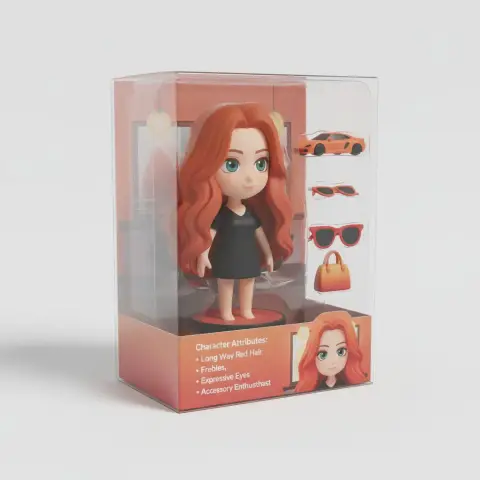
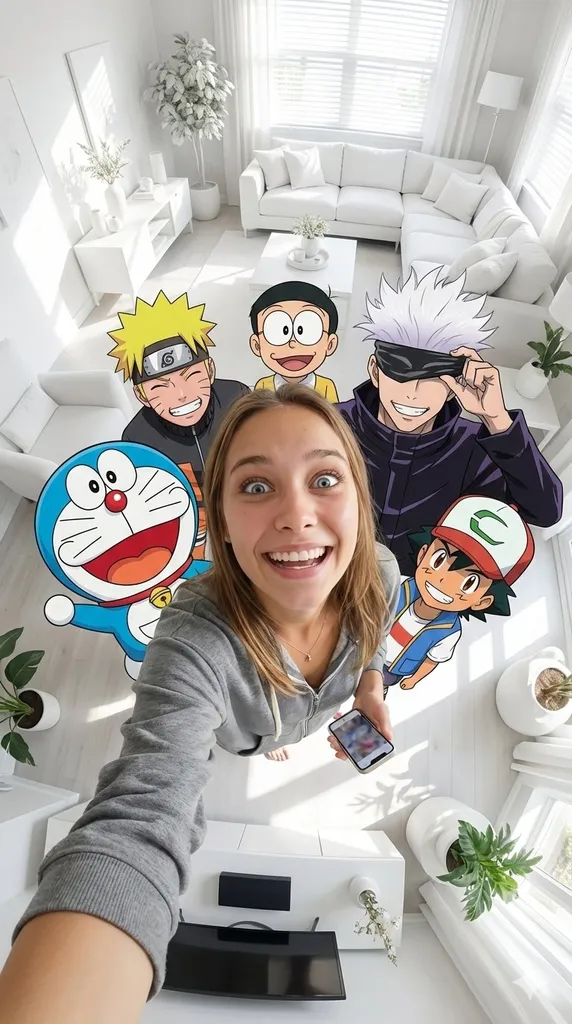
Place a character figure in a detailed scene that tells a story through its surroundings
Pro Tip
Describe the setting and two or three props, like "on a messy desk beside a sketchbook and its box".
Full Prompt
How to Use Character Figure Scene
- 1
Click Use This Template
The editor opens with [Character Figure Scene] in the prompt box. The full prompt above is applied when you generate.
- 2
Describe your subject
This template works from text alone: say what you want to see after the template name.
- 3
Add your own details
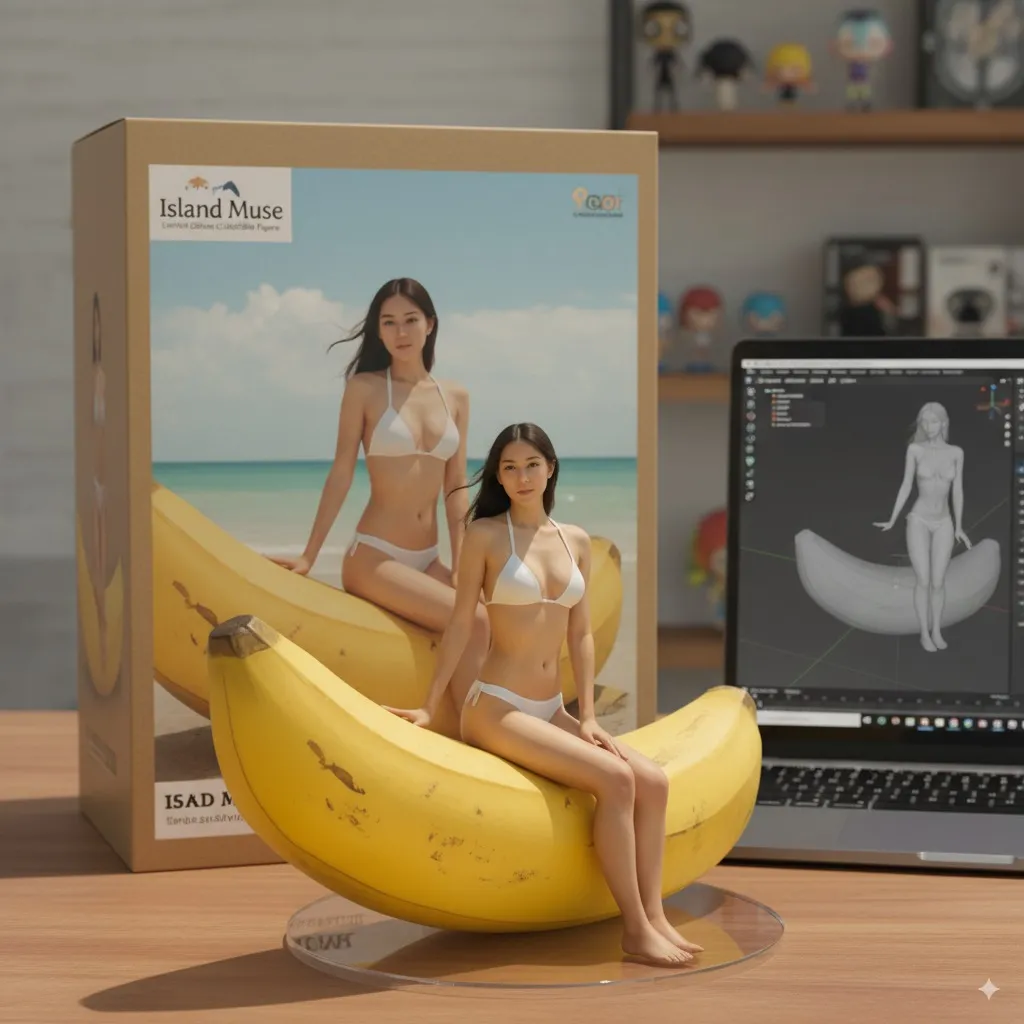
Type them after the template name, for example "[Character Figure Scene], figure on a wooden desk, its retail box behind, monitor showing the 3D model".
- 4
Choose a model and generate
NanoBanana Pro is a good place to start: Nanobanana Pro handles complex scenes with many elements, which suits a figure surrounded by props, packaging and background detail.
Good For
- Showing an original character as a collectible figure on a desk, shelf or display stand.
- Concept shots that hint at a character's story through the props around the figure.
- Mock product photos for a figure line you are planning.
More Tips
- To base the figure on a real person or an existing drawing, upload it as a reference image.
- Name the material and scale, such as "1/7 scale PVC figure", for a more collectible look.
Ideas to Try
Type one of these after [Character Figure Scene] in the prompt box.
Desk setup
figure on a wooden desk, its retail box behind, monitor showing the 3D model
Fantasy diorama
knight figure on a mossy castle ruin base, tiny lanterns
Shelf display
figure inside a glass display shelf with warm LED lighting