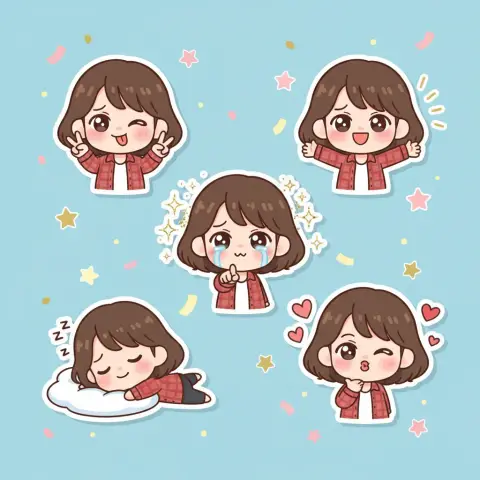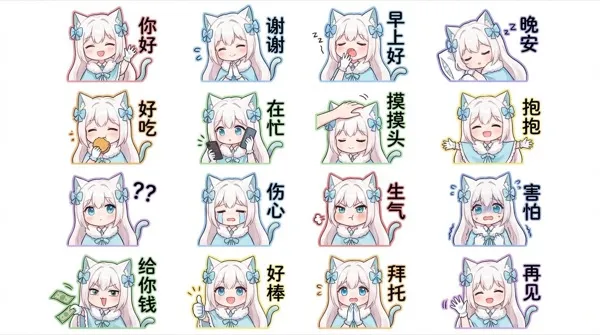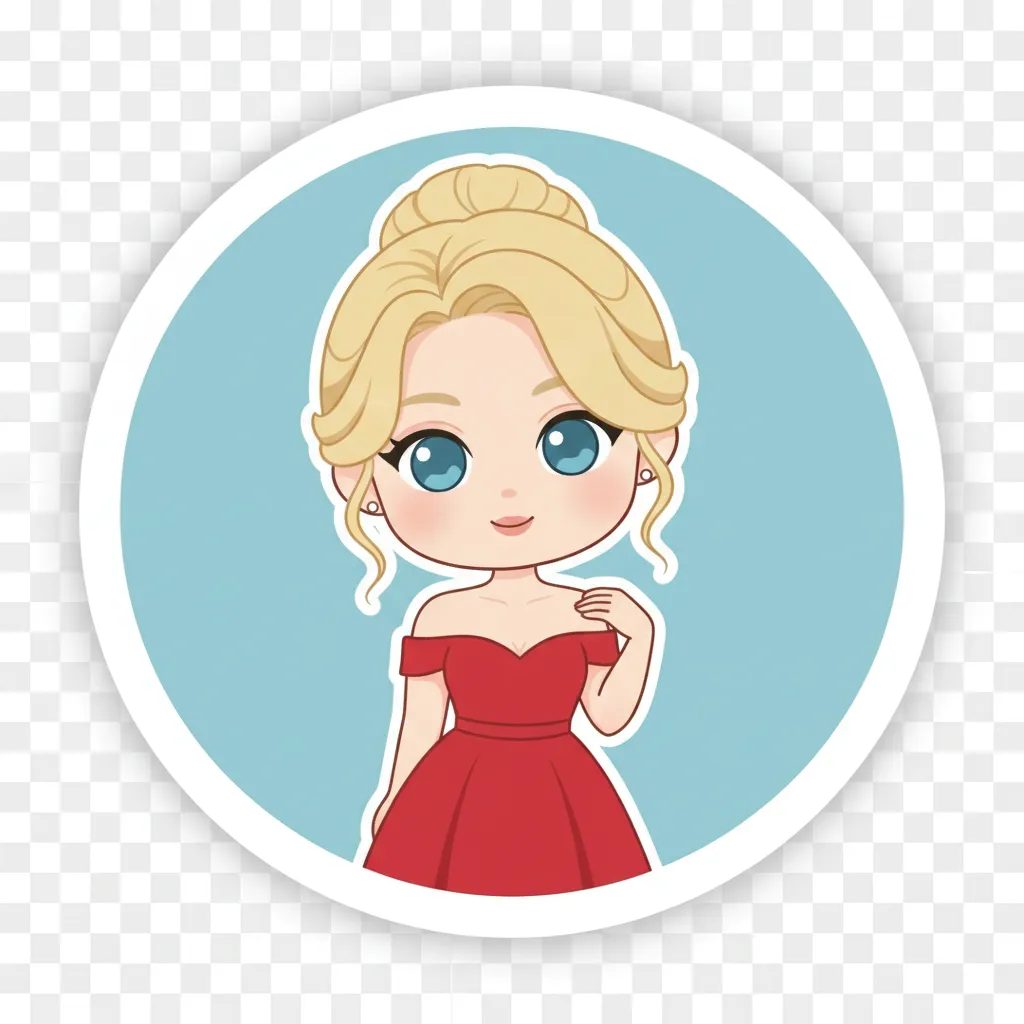
Minimalist Flat Stickers
Create minimalist flat-design stickers with simple shapes and a clean, modern look
Pro Tip
Limit the palette to three or four named colors, such as "mustard, teal and off-white".
Full Prompt
How to Use Minimalist Flat Stickers
- 1
Click Use This Template
The editor opens with [Minimalist Flat Stickers] in the prompt box. The full prompt above is applied when you generate.
- 2
Describe your subject
This template works from text alone: say what you want to see after the template name.
- 3
Add your own details
Type them after the template name, for example "[Minimalist Flat Stickers], coffee cup, croissant and moka pot stickers, warm brown and cream palette".
- 4
Choose a model and generate
Z-Image Turbo is a good place to start: Flat, simple shapes are easy to describe in words, so the text-only Z-Image Turbo is a low-cost place to start.
Good For
- Clean stickers for laptops, water bottles or packaging seals.
- Simple icon-style graphics for a small brand or event.
- A flat avatar sticker for social profiles.
More Tips
- Ask for a die-cut white border and a plain background if you plan to print and cut them.
- This model can't see photos. For a sticker of a real person, upload their photo and switch to Seedream 5 Lite.
Ideas to Try
Type one of these after [Minimalist Flat Stickers] in the prompt box.
Coffee set
coffee cup, croissant and moka pot stickers, warm brown and cream palette
Round badge
a single round sticker of a mountain and sun, white die-cut border
Botanical
three leaf and flower stickers in sage green and terracotta