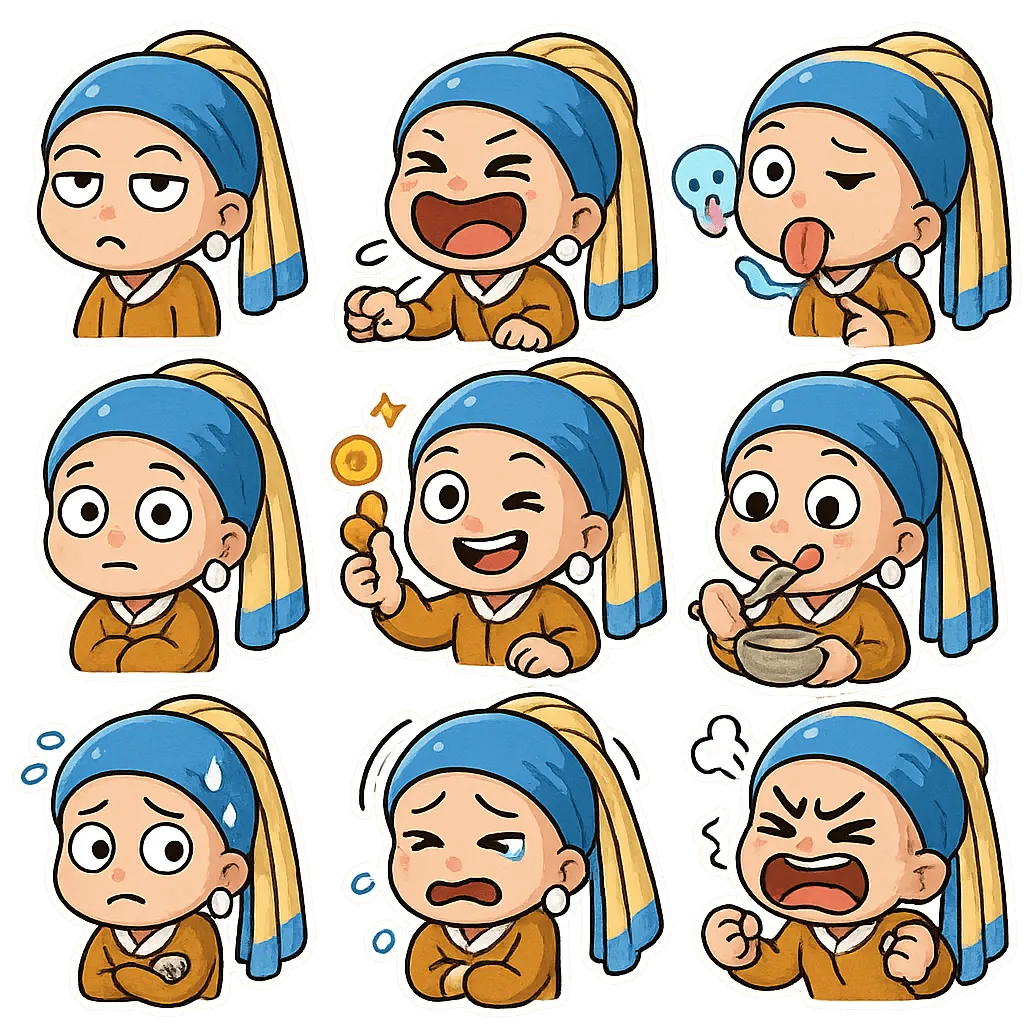
Emoji Expression Grid
Generate a grid of expressions for one character, like a ready-made sticker sheet
Pro Tip
Upload a character image, such as your mascot or a painting, so every face shares its look.
Full Prompt
How to Use Emoji Expression Grid
- 1
Click Use This Template
The editor opens with [Emoji Expression Grid] in the prompt box. The full prompt above is applied when you generate.
- 2
Describe your subject
This template works from text alone: say what you want to see after the template name.
- 3
Add your own details
Type them after the template name, for example "[Emoji Expression Grid], 3x3 grid: happy, sad, angry, surprised, sleepy, laughing, crying, love, confused".
- 4
Choose a model and generate
NanoBanana Pro is a good place to start: Nanobanana Pro is made for complex multi-element images, which helps when nine or more faces must share one design.
Good For
- A sticker sheet for chat apps built around one character.
- An expression reference sheet for animators, streamers or comic artists.
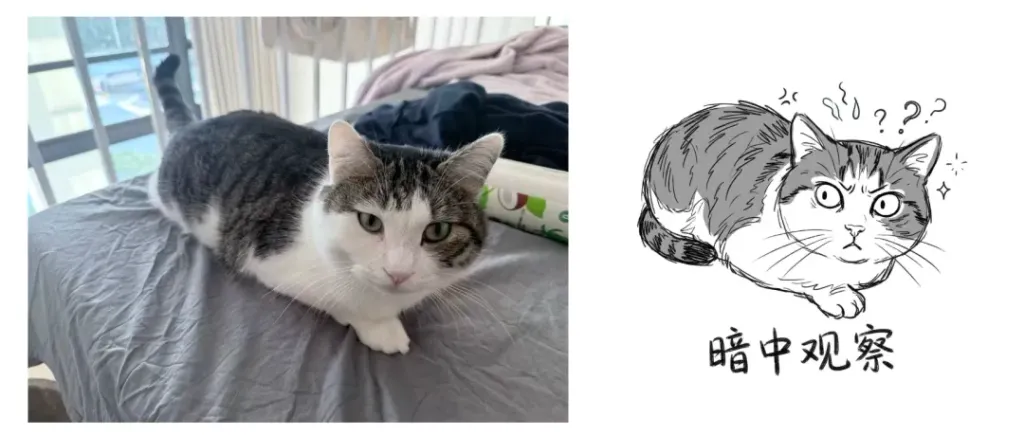
- Turning a mascot, pet or famous painting into a set of reaction faces.
More Tips
- State the grid size and list the emotions, like "3x3 grid: happy, angry, sleepy, shocked...".
- Choose the 1:1 aspect ratio so the rows and columns stay even.
Ideas to Try
Type one of these after [Emoji Expression Grid] in the prompt box.
3x3 basics
3x3 grid: happy, sad, angry, surprised, sleepy, laughing, crying, love, confused
Cartoon style
thick outlines, flat colors, white background
Captioned cat
a fluffy white cat, short caption under each face like 'OK!' and 'Thanks'