City Landmark Miniature Model
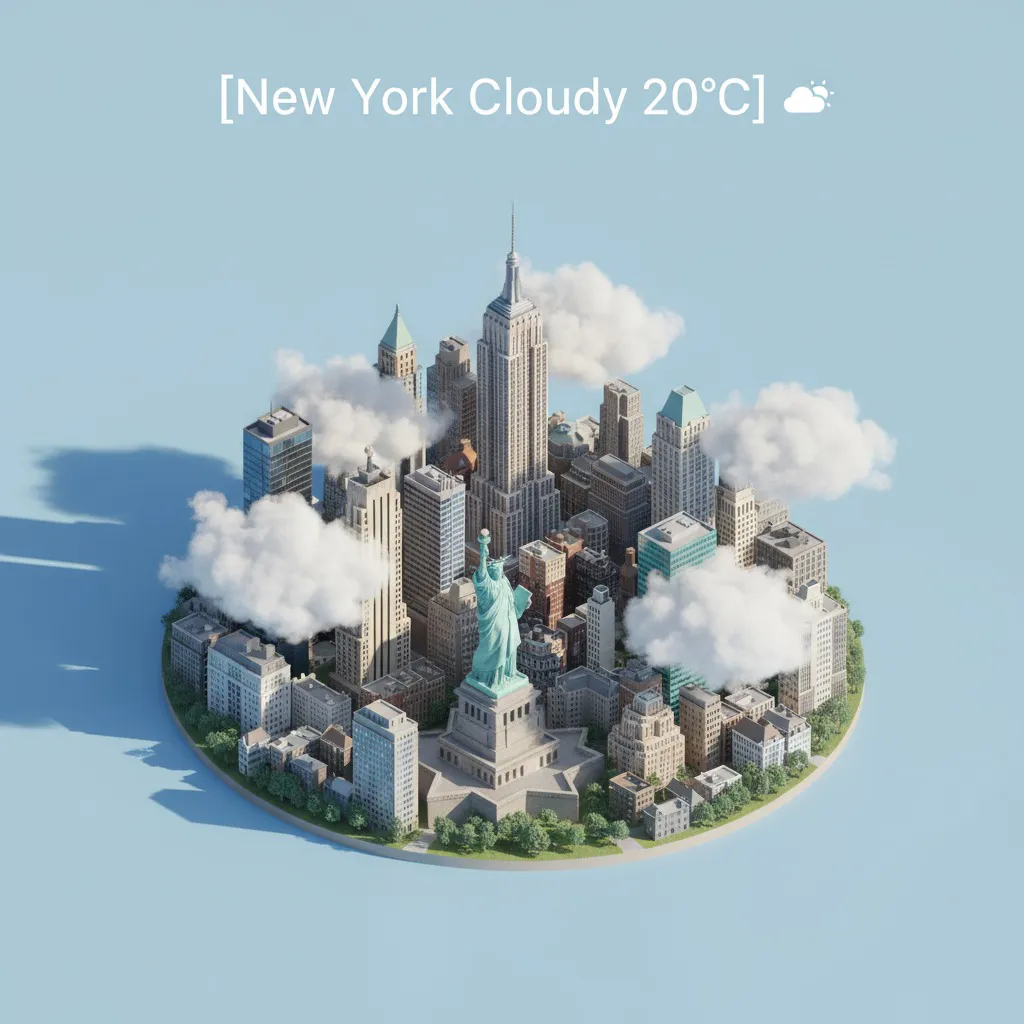
Present exquisite 3D miniature scenes of iconic city buildings from a 45-degree isometric view, combined with weather information to showcase the charm of a miniature world
Pro Tip
The base prompt names the Statue of Liberty and "New York Cloudy 20°C". Spell out your replacements, like "use Big Ben and London Rainy 12°C instead".
Full Prompt
How to Use City Landmark Miniature Model
- 1
Click Use This Template
The editor opens with [City Landmark Miniature Model] in the prompt box. The full prompt above is applied when you generate.
- 2
Describe your subject
This template works from text alone: say what you want to see after the template name.
- 3
Add your own details
Type them after the template name, for example "[City Landmark Miniature Model], use Tokyo Tower instead, display 'Tokyo Sunny 24°C' with a sun icon".
- 4
Choose a model and generate
NanoBanana Pro is a good place to start: Nanobanana Pro is the model to use for readable text, which matters for the city, weather and temperature line at the top.
Good For
- Weather or travel posts with a tiny 3D model of a city's famous landmark.
- A matching series of city cards, one landmark and forecast per city.
- Desktop wallpapers or prints of a place you visited.
More Tips
- Match the weather word with a visible effect, such as rain streaks or sun rays, so the scene and the label agree.
- Keep the label short; city, condition and temperature read more cleanly than a full sentence.
Ideas to Try
Type one of these after [City Landmark Miniature Model] in the prompt box.
Tokyo
use Tokyo Tower instead, display 'Tokyo Sunny 24°C' with a sun icon
Paris rain
use the Eiffel Tower instead, light rain, display 'Paris Rainy 14°C'
Snowy Moscow
use Saint Basil's Cathedral instead, falling snow, display 'Moscow Snow -5°C'